

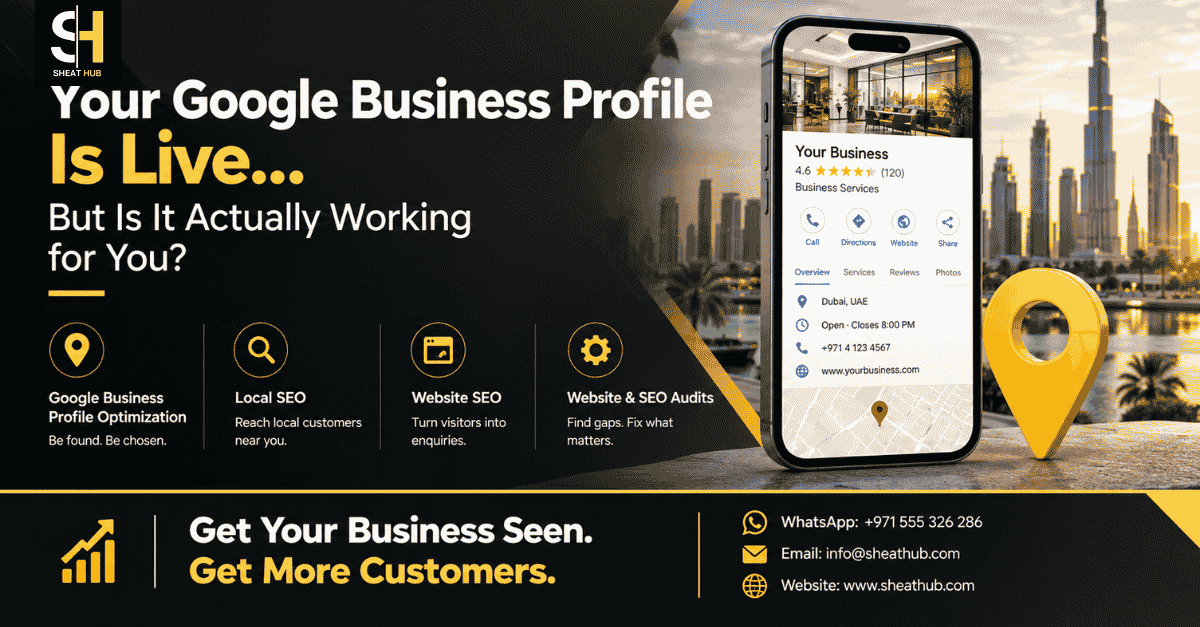
Your Google Business Profile Is Live, But Is It Actually Working for You?
Your Google Business Profile is verified, your business name is showing, your phone number is listed, and customers can find you on Google Maps. So why are enquiries still inconsistent?
This is a common problem for businesses in Dubai. Having a live Google Business Profile is only the starting point. A profile can exist for months without doing much to improve visibility, generate website visits, phone calls, direction requests, or customer enquiries.
The real question isn’t whether your profile is live. It’s whether your profile is helping customers discover, trust, and contact your business.
Google says local results are mainly influenced by relevance, distance, and prominence. Complete and accurate business information helps Google understand what your business offers and when it may be relevant to a search.
A live profile doesn’t automatically mean a useful profile
Many business owners treat Google Business Profile setup as a one-time task.
They add the business name, address, phone number, website, category, opening hours, and a few photos. Once the profile is verified, the job is considered finished.
That’s where the problem starts.
Your profile has to communicate clearly what you do, who you serve, and where you operate. It also needs accurate information that matches your real business.
Google recommends keeping business information complete and up to date, including categories, hours, address or service area, and other relevant details.
For a Dubai business, this matters when customers search for services using terms such as “near me”, specific service names, or location-based searches. Your profile needs to make the connection between the search and your business clear.
Check the numbers before assuming Google isn’t working
One of the easiest mistakes is judging your profile only by where you think it ranks.
Instead, look at what customers actually do.
Google Business Profile performance data can show searches, profile views, calls, website clicks, direction requests, messages, and other interactions, depending on the business and available metrics.
Ask yourself:
- Are people finding your profile through relevant searches?
- Are profile views increasing or remaining flat?
- Are people clicking through to your website?
- Are customers calling after viewing the profile?
- Are people requesting directions?
- Are the searches relevant to the services you actually provide?
- Are customers contacting you but failing to convert?
These questions reveal much more than simply searching your business name.
A profile can receive views but produce very few enquiries. That may indicate a problem with the offer, information, trust signals, website, or customer journey rather than visibility alone.
The hidden problem may be relevance
A profile can be complete and still be poorly aligned with the searches that matter.
Your primary category is especially important because it helps describe your core business. Google recommends choosing a specific category that accurately represents the main business rather than using categories as keywords.
Review your profile and ask:
If a new customer saw this profile for five seconds, would they immediately understand what we provide?
Check your:
- Primary category
- Additional relevant categories
- Business description
- Services
- Products, where applicable
- Website link
- Phone number
- Opening hours
- Service area
- Photos
- Business attributes
Don’t add unrelated keywords just to attract more searches. Google requires business information to accurately represent the real business, and misleading information can create profile quality problems.
Reviews are more than a star rating
Customers don’t only look at your rating.
They may read recent reviews to understand what your business actually delivers. Your responses also show whether the business pays attention to customer feedback.
Google recommends responding to reviews, and notes that positive reviews and helpful responses can help a business stand out.
Don’t try to manufacture reviews or pressure customers into posting specific wording. Instead, build a normal process for requesting genuine feedback from customers who have actually used your service.
Then respond professionally, especially when a customer raises a legitimate concern.
Your photos can answer questions before customers call
A profile with outdated or limited visual content can make a business feel less trustworthy.
Use relevant photos that help customers understand what they will experience. Depending on your business, that might include your premises, team, completed work, products, service process, or other useful visual information.
Google specifically recommends adding photos and videos to Business Profiles because they can help customers understand what a business offers.
The goal isn’t to upload images simply to appear active. The goal is to reduce uncertainty.
Your website and Google profile need to support each other
Your Google Business Profile shouldn’t operate separately from your website.
If your profile says you provide a particular service, the website should clearly explain that service. If you serve specific areas in Dubai, your website should make your relevant service coverage understandable without creating artificial location pages or stuffing locations into every paragraph.
Google can use information from public sources, including content from a business’s official website, when compiling information about businesses.
This is why local SEO, website structure, service pages, technical SEO, and Google Business Profile optimization often need to work together.
A simple Google Business Profile audit for your Dubai business
Start with these checks:
1. Verify the basics Confirm your business name, phone number, website, hours, address, and service area are accurate.
2. Review your category Make sure the primary category accurately represents your main business.
3. Review your services Remove outdated offerings and make important services easy to understand.
4. Check your reviews Look for unanswered reviews and recurring customer questions or complaints.
5. Improve your visual information Replace outdated images and add useful photos that represent the real business.
6. Check your website Make sure customers can quickly understand your services, location, contact options, and next step.
7. Measure performance Review searches, views, calls, website clicks, directions, and other available interactions instead of relying only on ranking position.
What should you fix first?
Don’t try to change everything at once.
Start with accuracy and relevance. Then work on customer trust, reviews, useful visual content, website experience, and measurement.
Also remember that Google local rankings aren’t controlled by one setting. Google states that local results are mainly based on relevance, distance, and prominence. There is no way to pay Google for a better local ranking.
That means the goal should not be chasing a single ranking position.
The better goal is to build a profile and website that consistently help the right local customers find and choose your business.
SHEAT HUB services
If your Google Business Profile is live but isn’t generating the visibility or enquiries you expect, SHEAT HUB can help identify where the problem is.
Relevant services include Google Business Profile optimization, Local SEO, On Page SEO, Technical SEO, website and SEO audits, WordPress development, Google rankings support, and AEO, GEO, and AI search visibility.
The focus should be on finding the actual weakness, whether that’s poor profile relevance, incomplete information, weak local signals, website problems, unclear service pages, or a poor customer journey.
Visit SHEAT HUB to explore the available services.
FAQs
1. How do I know if my Google Business Profile is working?
Check your Business Profile performance data rather than looking only at rankings. Review searches, profile views, calls, website clicks, direction requests, messages, and other available interactions. These numbers help you understand whether people are discovering your business and taking useful actions after finding your profile.
2. Why is my Google Business Profile not getting enquiries?
Low enquiries can have several causes. Your profile may not match relevant searches, your services may be unclear, reviews may provide limited trust, or your website may create friction after someone clicks through. Start by reviewing profile performance and the complete customer journey rather than assuming ranking is the only problem.
3. Does having more Google reviews guarantee better rankings?
No. Reviews can contribute to prominence, but Google says local ranking mainly depends on relevance, distance, and prominence. More reviews do not guarantee a particular position in Google Search or Google Maps. Focus on earning genuine customer feedback and maintaining accurate, useful business information.
4. How often should I update my Google Business Profile?
There isn’t one universal update schedule that guarantees better performance. Instead, update information whenever your business changes. Keep hours, services, contact details, photos, and other important information accurate. Regularly reviewing performance also helps you identify information that needs improvement.
5. Can my website affect my Google Business Profile visibility?
Your website and Business Profile should support the same business information and customer journey. Google can use publicly available information, including content from an official business website, when compiling business information for local search. A clear, relevant website therefore supports a stronger overall local presence.
6. Is Google Business Profile optimization useful for Dubai businesses?
Yes, if local customers use Google Search or Maps to discover services. The important part is not simply adding the word Dubai to your profile. Your business information, category, services, website, service area, and customer experience should accurately reflect what your business actually provides.
7. Can I put keywords in my Google Business Profile business name?
You should use your real-world business name rather than adding extra keywords for ranking purposes. Google requires the business name to accurately represent the business as it is known and represented in the real world. Unnecessary information in the business name can create policy issues.
Think your Google Business Profile is live but not bringing enough customers?
Get your local visibility checked by SHEAT HUB.
Website: https://sheathub.com Email: info@sheathub.com WhatsApp Call: +971 555 326 286
Don’t just check whether your profile exists. Check whether it’s actually helping customers find and choose your business.
#GoogleBusinessProfile #LocalSEO #GoogleMapsSEO #DubaiBusiness #DubaiSEO #LocalSearch #SHEATHUB