
Google Maps SEO: How to Improve Your Local Business Visibility and Get More Calls
When people need a nearby service, they often turn to Google.
They may search for a business, compare a few options on Google Maps, check reviews, visit a website, and then decide who to contact.
For a local business, this creates a valuable opportunity.
But simply having a Google Business Profile doesn’t mean your business will automatically appear prominently in local searches.
You need to build a strong local presence across Google Business Profile, Local SEO, your website, reviews, and customer experience.
In this article, we’ll look at practical ways to improve your Google Maps visibility and turn local searches into genuine enquiries.
What Is Google Maps SEO?
Google Maps SEO is the process of improving your business’s local online presence so that it can appear for relevant searches on Google Maps and local search results.
For example:
- Dentist near me
- Restaurant in Dubai
- AC repair in Abu Dhabi
- Family lawyer in Melbourne
- Digital marketing agency in Sharjah
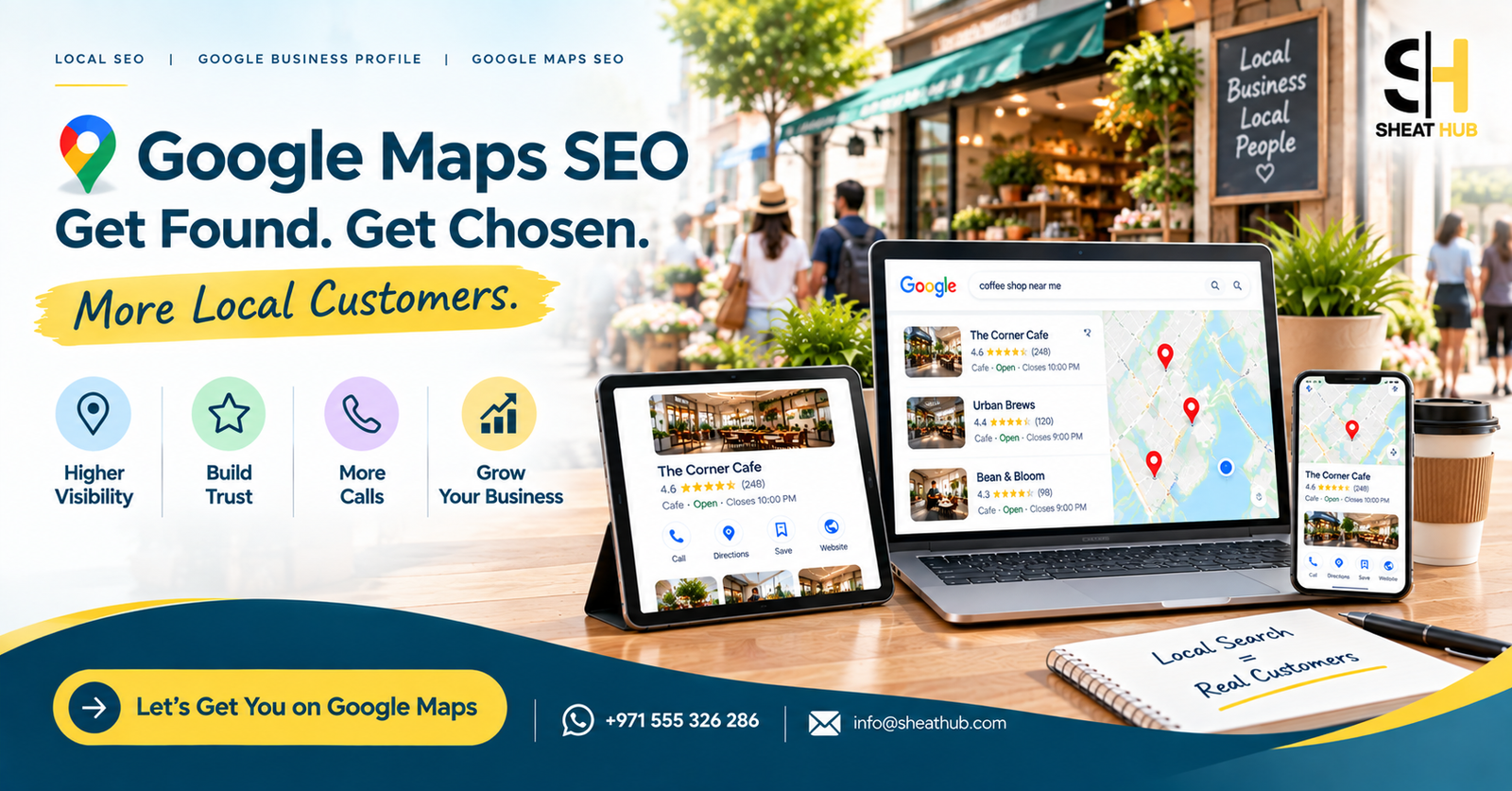
When someone searches for a local service, Google may show a map with several businesses.
These businesses can compete for attention through their:
- Google Business Profile
- Business category
- Reviews
- Services
- Website
- Photos
- Location information
- Overall local relevance
The goal isn’t simply to appear on a map.
The goal is to become a business that customers can easily find, understand, trust, and contact.
1. Complete and Optimize Your Google Business Profile
Your Google Business Profile is one of the main parts of your local search presence.
Start by checking that all important information is complete and accurate.
Review these details:
- Business name
- Primary category
- Secondary categories
- Business description
- Services
- Address
- Service area
- Phone number
- Website
- Opening hours
- Photos
- Booking or enquiry options, where relevant
Don’t add information simply because you think it might help rankings.
Everything should accurately represent your real business.
A complete profile also gives potential customers more information before they decide whether to contact you.
2. Choose the Right Primary Category
Your primary category helps Google understand what your business does.
Choosing a category that is too broad or not closely related to your main service can create confusion.
For example, if your business specializes in a particular type of service, look for the most accurate available category rather than choosing a generic option.
When reviewing your category:
- Select the category that best represents your main business.
- Add relevant secondary categories where appropriate.
- Don’t add unrelated categories.
- Recheck your categories when your business changes.
Your category should describe what your business actually is, not every service you want to rank for.
3. Add Your Services Clearly
Your Google Business Profile should make it easy for customers to understand what you offer.
If your business provides multiple services, list the important ones clearly.
For example, an AC company might provide:
- AC Installation
- AC Repair
- AC Maintenance
- AC Cleaning
- Emergency AC Services
A customer looking for one of these services should be able to understand quickly whether your business can help.
Your website should also provide more detailed information about these services.
This creates consistency between your Google Business Profile and your website.
4. Build a Genuine Review Strategy
Reviews are an important part of the customer decision process.
Before contacting a local business, people often look at what previous customers have said.
Don’t focus only on collecting a large number of reviews.
Focus on getting genuine feedback from real customers.
A sensible review process includes:
- Delivering a good customer experience.
- Asking satisfied customers for honest feedback.
- Making it easy for customers to leave a review.
- Responding professionally to reviews.
- Paying attention to repeated complaints or suggestions.
If someone leaves a negative review, avoid turning the response into an argument.
A calm and professional response can provide useful context for people reading the review later.
Your reviews are part of your reputation, not just an SEO task.
5. Keep Your Google Business Profile Active
A local business shouldn’t treat its profile as something that is created once and forgotten.
Your business changes over time.
You may have:
- New services
- New projects
- New photos
- New products
- New customer reviews
- New business updates
- Seasonal offers
Where appropriate, keep your profile information and content up to date.
The main priority should always be usefulness.
Don’t publish updates just for the sake of activity.
Give customers information that can actually help them make a decision.
6. Add High Quality Business Photos
Photos can help potential customers understand your business before they contact you.
Depending on your industry, useful images may include:
For restaurants
- Interior
- Exterior
- Food
- Menu
- Seating area
For service businesses
- Completed projects
- Team
- Equipment
- Work process
- Before and after examples
For retail businesses
- Storefront
- Products
- Interior
- Product displays
Avoid relying only on a logo.
Show customers what your real business looks like.
7. Your Website Supports Your Google Maps Presence
A strong Google Business Profile is only part of your local SEO strategy.
Many people will click through to your website before contacting you.
That’s why your website needs to support the information shown on your profile.
For example:
Google Maps
Customer discovers your business.
↓
Google Business Profile
Customer checks reviews, services, location, and photos.
↓
Website
Customer learns more about your services.
↓
CTA
Customer calls, sends a WhatsApp message, books, or requests a quote.
If your website is difficult to use, you can lose the customer even after they find you on Google.
8. Create Dedicated Service Pages
If you offer several important services, don’t put everything into one short page.
Create useful pages for your main services.
For example, a digital marketing agency could have:
- Local SEO
- Google Business Profile Optimization
- Website SEO
- Website Development
- Social Media Management
Each page can explain:
- What the service is.
- Who needs it.
- Problems it can address.
- What the service includes.
- Frequently asked questions.
- Relevant trust signals.
- How the customer can get started.
This gives search engines more context and gives customers more useful information.
9. Create Useful Location Pages
If your business genuinely serves multiple locations, location pages can help communicate that clearly.
For example:
Digital Marketing Agency in Dubai
Digital Marketing Agency in Sharjah
Digital Marketing Agency in Abu Dhabi
But don’t simply copy the same page and change the city name.
Each location page should provide information that is actually relevant to customers in that area.
You might discuss:
- Services available
- Areas served
- Local customer needs
- Relevant FAQs
- Contact information
- Location specific information
A useful location page should have a purpose beyond inserting a city name into the content.
10. Improve Your Website UI/UX
Local SEO can bring visitors to your website.
UI/UX can determine what happens next.
Imagine a customer finds your business on Google Maps and visits your website.
The website loads slowly.
The menu is confusing.
The phone number is difficult to find.
There is no clear WhatsApp button.
The service information is vague.
That customer may leave.
Make your website easy to use:
- Keep navigation simple.
- Make text easy to read.
- Use clear headings.
- Make important CTAs visible.
- Make the website mobile friendly.
- Keep contact details easy to find.
- Reduce unnecessary steps in enquiry forms.
Good UI/UX isn’t about adding more design.
It’s about making the customer’s journey easier.
11. Make Your Website Mobile Friendly
Local searches often happen when people are away from their computers.
A potential customer may be standing outside a shop, travelling to work, sitting in a café, or looking for an emergency service.
Your website needs to work properly on a phone.
Check:
- Does the page load quickly?
- Can visitors read the text without zooming?
- Are buttons easy to tap?
- Can users call you directly?
- Is WhatsApp easy to access?
- Are forms simple to complete?
- Can visitors quickly find your address?
A mobile friendly website creates a better experience for people who discover your business through local search.
12. Use Local Keywords Naturally
Local SEO doesn’t mean repeating your city and service name everywhere.
Instead, understand how your customers search.
For example:
Service + Location
“Website development in Dubai”
Service + Near Me
“SEO agency near me”
Location + Business Type
“Digital marketing agency Dubai”
Use relevant phrases naturally in places such as:
- Page titles
- Headings
- Service pages
- Location pages
- Website content
- Image descriptions where appropriate
Avoid keyword stuffing.
Write content that sounds natural and answers the customer’s question.
13. Check Your Technical SEO
A website can look good while still having technical problems.
A Local SEO audit should also examine the technical side of the website.
Important areas include:
- Page speed
- Mobile usability
- Indexing
- Broken links
- HTTPS
- XML sitemap
- Redirects
- Page structure
- Metadata
- Canonical URLs
- Core web performance
You don’t need to understand every technical detail yourself.
The important thing is to identify problems that may prevent search engines or users from accessing your website properly.
14. Connect Your Website Pages With Internal Links
Internal links help visitors move from one relevant page to another.
For example:
Local SEO page
can link to:
Google Business Profile Optimization
which can link to:
Website SEO
which can link to:
Contact
This makes your website easier to navigate and helps search engines understand how your content is connected.
Don’t add links randomly.
Link pages when the connection is genuinely useful to the reader.
15. Study Your Local Competitors
If you want to improve your local visibility, look at the businesses customers are already seeing.
Compare their:
Google Business Profile
- Categories
- Reviews
- Services
- Photos
- Business information
Website
- Service pages
- Location pages
- Content
- Website structure
- Speed
- Mobile experience
- CTAs
Customer Experience
- How quickly can you find their contact details?
- Do they explain their services clearly?
- Do they provide useful information?
- Do they make customers feel confident?
Competitor analysis shouldn’t be about copying another business.
It’s about identifying gaps in your own online presence.
16. Don’t Forget About Conversion
Getting found on Google is important.
But what happens after someone finds you?
Your online presence should make the next step easy.
Depending on your business, that could be:
Call Now
WhatsApp Us
Request a Quote
Book an Appointment
Get Directions
Send an Enquiry
Put the relevant CTA where customers can easily find it.
A customer shouldn’t need to search through several pages just to find your phone number.
A Simple Google Maps SEO Checklist
Before finishing your Local SEO work, review these areas.
Google Business Profile
☐ Correct primary category
☐ Relevant secondary categories
☐ Complete business information
☐ Accurate services
☐ Updated photos
☐ Genuine reviews
☐ Professional review responses
Website
☐ Mobile friendly
☐ Fast loading
☐ Clear service pages
☐ Useful location pages
☐ Strong internal linking
☐ Clear contact information
☐ Visible CTAs
☐ Good UI/UX
SEO
☐ Relevant local keywords
☐ Optimized page titles
☐ Proper headings
☐ Technical SEO checked
☐ Local content
☐ Competitor research
Final Thoughts
Google Maps visibility isn’t built by changing one setting.
It’s the result of having a consistent and useful local online presence.
Your Google Business Profile helps people discover your business.
Your reviews and photos help build confidence.
Your Local SEO strategy helps connect your business with relevant searches.
Your website provides deeper information.
Your UI/UX makes the customer journey easier.
And your CTAs help turn interest into enquiries.
The goal isn’t simply to get your business shown on Google Maps.
The bigger goal is to create an online presence where customers can:
Find you → Understand you → Trust you → Contact you
Need Help With Your Local SEO?
SHEAT HUB helps businesses improve their online presence through:
Local SEO | Google Business Profile Optimization | Website SEO | Website Development | UI/UX
📲 WhatsApp: +971 555 326 286
📧 Email: info@sheathub.com
Get found. Build trust. Get more local enquiries.