
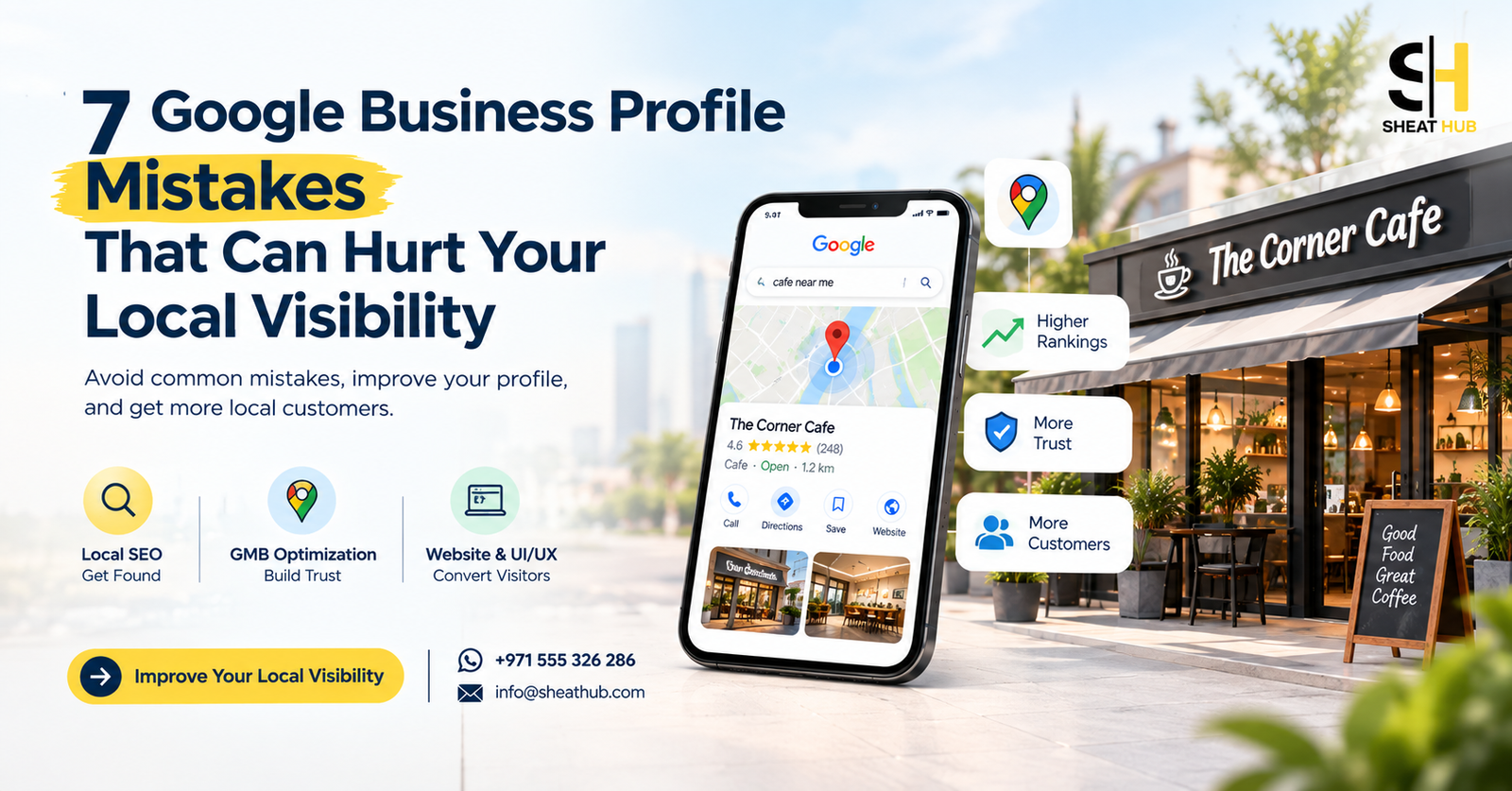
7 Google Business Profile Mistakes That Can Hurt Your Local Visibility
If you run a local business, your Google Business Profile can be one of your most valuable sources of customers.
When someone searches for a service near them, they may see Google Maps listings before they even visit a website. Your profile can influence whether that person calls, visits your location, checks your website, or chooses a competitor.
But simply having a Google Business Profile isn’t enough.
Many businesses create their profile once and rarely update it. Others leave important information incomplete, choose the wrong category, ignore reviews, or send customers to a website that doesn’t provide a good experience.
These small issues can affect both local search visibility and customer trust.
Let’s look at seven common Google Business Profile mistakes and what you can do about them.
1. Choosing the Wrong Primary Business Category
Your primary category tells Google what your business mainly does.
Choosing a category because it sounds close to your business isn’t always the best approach.
For example, a business offering a specialized service may choose a very general category when a more relevant option is available.
Why does this matter?
Google uses your business category as one of many signals to understand your business and match it with relevant local searches.
What should you do?
- Choose the most accurate primary category for your main service.
- Add relevant secondary categories where appropriate.
- Don’t select categories simply because you want to rank for them.
- Review your categories when your business services change.
Your category should describe your actual business, not the keywords you wish to rank for.
2. Leaving Your Business Information Incomplete
A customer shouldn’t have to search through different websites to find basic information about your business.
Your Google Business Profile should provide clear and accurate details such as:
- Business name
- Address or service area
- Phone number
- Website
- Opening hours
- Business description
- Services
- Photos
- Booking or enquiry options, where applicable
An incomplete profile can make your business look less established.
More importantly, missing information can make it harder for potential customers to understand whether your business is right for them.
Complete your profile from a customer’s point of view, not just Google’s.
3. Ignoring Your Google Reviews
Reviews are one of the first things people notice when comparing local businesses.
A customer may see several businesses offering similar services. Reviews can become an important part of that decision.
But getting reviews isn’t the end of the job.
You should also respond to them.
Respond to both positive and negative reviews
For positive reviews, a simple and genuine response shows appreciation.
For negative reviews, avoid arguments or defensive replies. A professional response can show potential customers that you take feedback seriously.
A good review strategy should focus on:
- Providing a good customer experience.
- Encouraging genuine customers to leave honest feedback.
- Responding professionally.
- Avoiding fake or purchased reviews.
- Paying attention to repeated customer feedback.
The goal isn’t to collect reviews just for the number.
The goal is to build a reputation that makes new customers feel comfortable contacting you.
4. Not Adding Relevant Photos and Business Updates
Imagine two businesses appear in Google Maps.
One profile has recent, clear photos of the business, services, team, products, or location.
The other has one old logo and a few outdated images.
Which business would you trust more?
Your photos help potential customers understand what to expect before they contact you.
Depending on the type of business, useful images may include:
- Storefront
- Office or workplace
- Products
- Completed projects
- Services
- Interior
- Equipment
- Team or staff
- Before and after work
You can also use Google Business Profile posts and updates where appropriate to keep your profile active and useful.
Don’t upload images just to fill space.
Use photos to answer the questions a potential customer may have before contacting you.
5. Having a Website That Doesn’t Support Local SEO
Your Google Business Profile and website should work together.
A common mistake is sending visitors from Google to a website that has very little useful information.
For example, if you offer several services, having one generic “Services” page may not be enough.
Consider creating dedicated pages for important services.
A strong local website structure might include:
Home Clearly explain who you are, what you offer, and where you operate.
Service Pages Explain individual services in detail.
Location Pages Where relevant, explain the areas you serve.
About Page Build credibility and explain your experience.
FAQs Answer common customer questions.
Contact Page Make it easy to call, message, request a quote, or visit.
This also creates more opportunities to target relevant local search terms naturally.
For example:
Service + Location
Instead of trying to put every keyword on your homepage, build useful pages around the services and locations that matter to your customers.
6. Forgetting About Website UI/UX
Getting a visitor to your website is only part of the process.
What happens after they arrive?
If your website is slow, difficult to navigate, poorly structured, or confusing on mobile devices, you may lose the customer even after winning the search click.
Your website should make these questions easy to answer:
- What does this business offer?
- Can they help me?
- Where are they located?
- Why should I trust them?
- How much information can I get?
- How can I contact them?
Your main CTA should also be easy to find.
Depending on the business, that could be:
Call Now WhatsApp Us Request a Quote Book an Appointment Get Directions
Good UI/UX isn’t about adding more design elements.
It’s about removing unnecessary friction.
A customer should know what to do next without thinking too much.
7. Treating Local SEO as a One-Time Task
This is perhaps one of the biggest mistakes.
Some businesses optimize their Google Business Profile once, build a website, and then stop.
Local search isn’t something you should treat as a one-time setup.
Your competitors are also changing.
They may:
- Add new services
- Publish new content
- Receive new reviews
- Improve their websites
- Update their profiles
- Build stronger local visibility
Your own business changes too.
New services, new locations, new photos, new customer questions, and new offers can all create opportunities to improve your online presence.
That’s why Local SEO should be viewed as an ongoing process.
Google Business Profile + Local SEO + Website SEO
Your Google Business Profile shouldn’t exist separately from your website.
Think about the customer journey:
Google Search
↓
Google Business Profile
↓
Website
↓
Trust
↓
Enquiry
↓
Customer
If one part of this journey is weak, you can lose potential business.
You may have a great website, but poor local visibility.
You may have a strong Google Business Profile, but a confusing website.
You may rank well, but have poor reviews or weak customer trust.
The best results come from looking at the complete customer journey.
What Should a Local Business Do First?
If you’re not sure where to start, focus on these five areas.
1. Audit Your Google Business Profile
Check your category, services, business information, photos, reviews, links, and profile completeness.
2. Review Your Local SEO
Check which local searches you’re targeting and whether your website has useful service and location content.
3. Improve Your Website
Make sure your website is fast, mobile-friendly, easy to navigate, and clearly explains your services.
4. Improve Your UI/UX
Make your phone number, WhatsApp, enquiry forms, booking options, and other CTAs easy to find.
5. Study Your Local Competitors
Look at the businesses appearing above you.
What are they doing better?
Their Google Business Profile, reviews, services, website structure, content, and customer experience can reveal opportunities for your own strategy.
Final Thoughts
Local customers are already searching for products and services like yours.
The question is whether your business is visible when they search and whether your online presence gives them enough confidence to choose you.
Google Business Profile optimization can help improve your local presence.
Local SEO can help you target relevant searches.
A well-built website can explain your services and support your search visibility.
Good UI/UX can make it easier for visitors to become enquiries.
And together, these elements can create a much stronger customer journey.
Don’t focus only on getting found on Google. Focus on getting found, building trust, and making it easy for customers to contact you.
Need Help With Your Local Online Presence?
At SHEAT HUB, we help businesses improve their online visibility through:
Local SEO Google Business Profile Optimization Website SEO WordPress Website Development UI/UX Improvements Google Rankings
📲 WhatsApp: +971 555 326 286 📧 Email: info@sheathub.com
Get found. Build trust. Get more customers.